

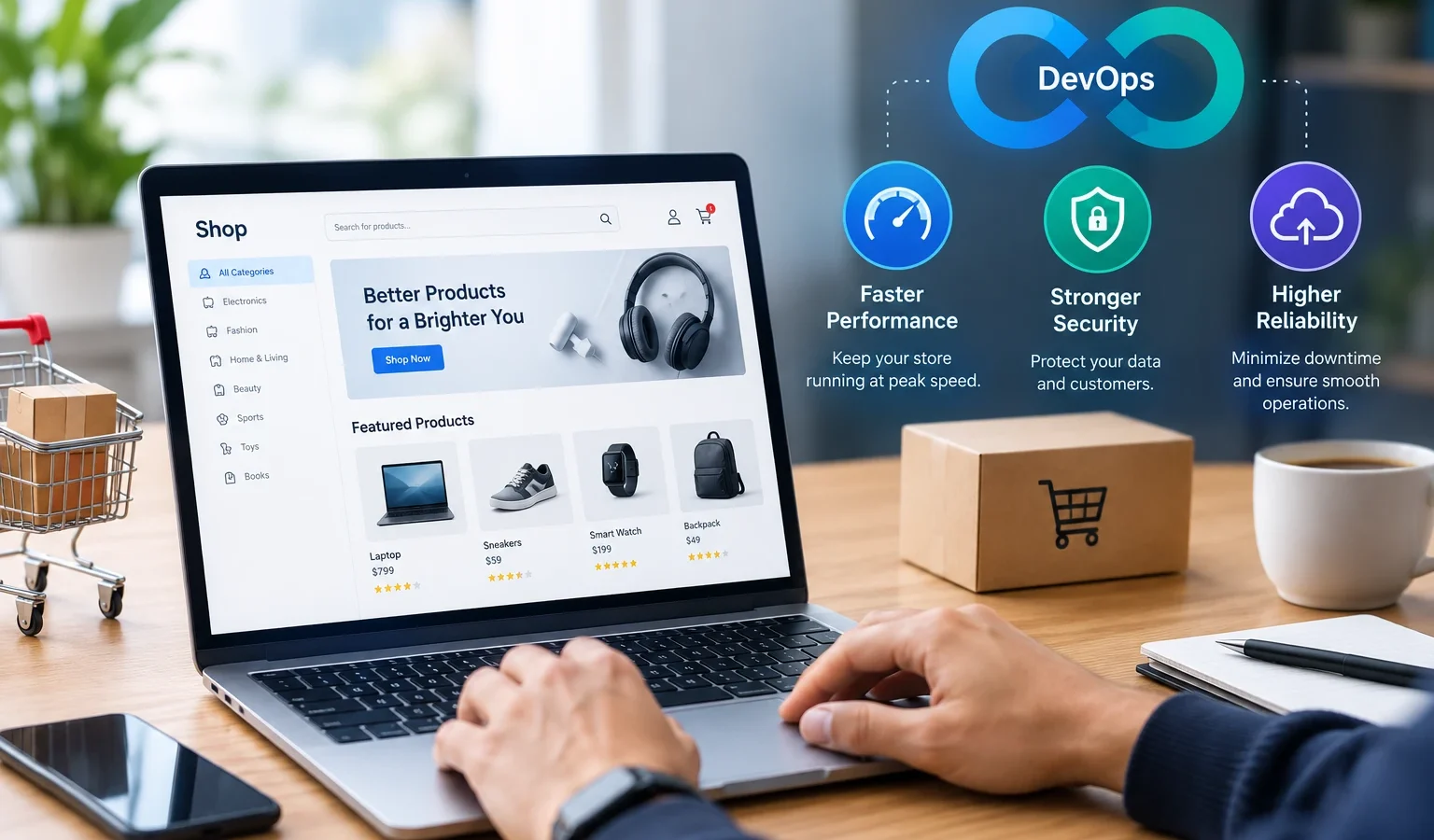
Most online stores don’t slow down or crash because of one big mistake. It’s a pile of small things. A plugin update nobody tested. A server that was never resized. A release pushed at 6 PM on sale day. DevOps fixes the habits behind these. Add automated testing for e-commerce platforms on top, and most problems get caught before a shopper ever sees them. This post covers what that looks like for speed, security and uptime, in plain terms.
Why Does E-commerce Need DevOps?
A brief reality check of your store is not one app, it’s a catalogue. A shopping cart. Payments (cards UPI wallets, COD). Inventory. Shipping partners. Customer relationship management (CRM). Whatever marketing was added last week. Every single piece is updating on its own schedule, and has its own failure modes.
In the traditional model, devs build, ops deploy, and QA gets a day if they’re lucky. No one sees the big picture, and a fix takes days. Devops fills the divide between those teams, automates the boring bits: builds tests deployment, alerting. More releases, all tiny and safe, each, and that’s a good fit for online stores. If you’re creating one now, our e-commerce software development team can do this from the beginning. If you add it later on, it’s more expensive.
How Does DevOps Improve E-commerce Website Speed?
Speed first, because customers feel it right away. Portent found that e-commerce sites loading in 1 second convert about 2.5 to 3 times better than sites taking 5. The exact multiple will differ for your store. The direction won’t.
CI/CD pipeline for faster, safer releases
CI/CD Continuous Integration / Continuous Delivery Each commit is built, tested, and deployed by script, not a human reading a list of check boxes. If a test breaks, you stop the release. If something gets through, you just roll back to the previous working version in a matter of minutes. Say goodbye to Friday night deployments.
Infrastructure as code for consistent environments
Staging works, production crashes. We’ve all been there, and it’s often stupid: “our two servers are set up differently”. Infrastructure as code (Terraform, Ansible) is the recording of the configuration in files, this way, the two servers are built following the same recipe.
Auto-scaling and load balancing for traffic spikes
During a sale, traffic can jump 5x in ten minutes. Auto-scaling starts extra servers when that happens and shuts them down afterward, while a load balancer divides visitors between them. You aren’t paying for sale-day capacity in January, and you aren’t down on sale day.
CDN, caching, and containerization
Three things help here. A CDN delivers images and scripts from a server near the shopper, which matters when customers in Chennai and Chandigarh hit the same store. Caching stops the database from rebuilding the same category page again and again. Containers (Docker, usually with Kubernetes) make each service start fast and scale on its own.
Continuous e-commerce load testing
Test load before the sale, not during it. Tools like k6 or JMeter can mimic shoppers who search, add to cart and pay, and you can run them every week. While you’re at it, track Core Web Vitals. Google’s own thresholds are LCP under 2.5 seconds, INP under 200 milliseconds and CLS under 0.1.
How Does DevSecOps Strengthen E-commerce Website Security?
Stores hold personal and payment data, which makes them worth attacking. IBM’s 2026 Cost of a Data Breach report puts the global average breach at $4.99 million, up 12% from last year and a record. It also says about 1 in 4 malicious breaches now involve AI used by the attacker. Then there’s bot traffic. Per Imperva’s 2025 Bad Bot Report, online retail gets 39% of all bad bot traffic (scraping, fake accounts, card testing).
DevSecOps just means security checks run inside the pipeline, not in the week before launch. In practice, that’s scanning code on every commit and checking plugins and libraries for known vulnerabilities (most store plugins aren’t your code, remember). Keep passwords and API keys in a secrets manager, not in the repo. Put a web application firewall in front of login, cart and checkout, and give people only the access they need. It also makes PCI DSS compliance easier, since the evidence gets produced as you go.
How Does DevOps Increase E-commerce Reliability and Uptime?
ITIC’s 2024 survey revealed that more than 90% of mid-sized to large firms lose $300,000 for every hour of downtime. Your shop might be too small for this type of loss to be meaningful. But just one hour of checkout errors during a Diwali sale would be damaging no matter the size of your business and customers won’t wait for a retry if their payment doesn’t go through.
What can? Alerts on your monitoring services (Prometheus Grafana Datadog) so your team is the first to know there is a problem. Blue-green or canary releases so the newest code reaches a small percentage of visitors before rolling out across your user base. Single-click rollbacks. Automated backups and a standby environment. And just one strongly defined goal you can monitor, like 99.9 percent uptime. That’s approximately 8.7 hours of downtime a year some merchants go for more uptime.
Operating these systems continuously is challenging for a small team. Many stores choose to hire DevOps engineers rather than train new staff from the beginning.
Why Is E-commerce Software Testing Important in a DevOps Pipeline?
Fast releases without tests just mean faster bugs. E-commerce software testing sits inside the pipeline, so every build gets checked automatically. Wrong tax on a coupon order? The pipeline should flag it, not a customer.
Types of automated testing for e-commerce platforms
Unit tests check small bits of logic like discounts and tax. API tests confirm that payment, shipping and inventory services respond properly. End-to-end tests click through the full journey, from search to order confirmation. Regression tests make sure last month’s features still work. Performance and security tests cover load and common holes like injection. Cross-browser and mobile tests matter more than people think, since a big share of your visitors are on phones.
A starter e-commerce testing checklist for your e-commerce website testing:
- Sign-up, login and password reset
- Search, filters and sorting
- Cart totals with coupons, tax and shipping
- Every payment method, including failed payments and retries
- Order emails and SMS
- Refunds, returns and stock updates
- Page speed on a mid-range Android phone
No in-house QA? You can hire QA engineers to build these tests next to your developers.
How to Get Started with DevOps for Your E-commerce Store
Don’t try to do everything at once. Here’s a rough order that works: Auditing first (page speed, release process hosting security holes). Add version control and simple pipeline. Write tests for checkout (this is where the money lives). Migrate your environments to code. Add monitoring. And then add scanner, load tests, auto-scaling.
You want an outside opinion before you begin Check in with DevOps consulting services and get your platform checked out and they will let you know what’s urgent and what can wait. And if it’s time for the store to be rebuilt, our e-commerce development services can take care of both the platform and pipeline at the same time.
Conclusion
Speed, security and uptime come from the same habit: small releases, automatic tests, close monitoring. Start with checkout. Automate what you keep repeating. Add the rest over time. If you’d like help, talk to TeamInIndia about DevOps services for your store.