

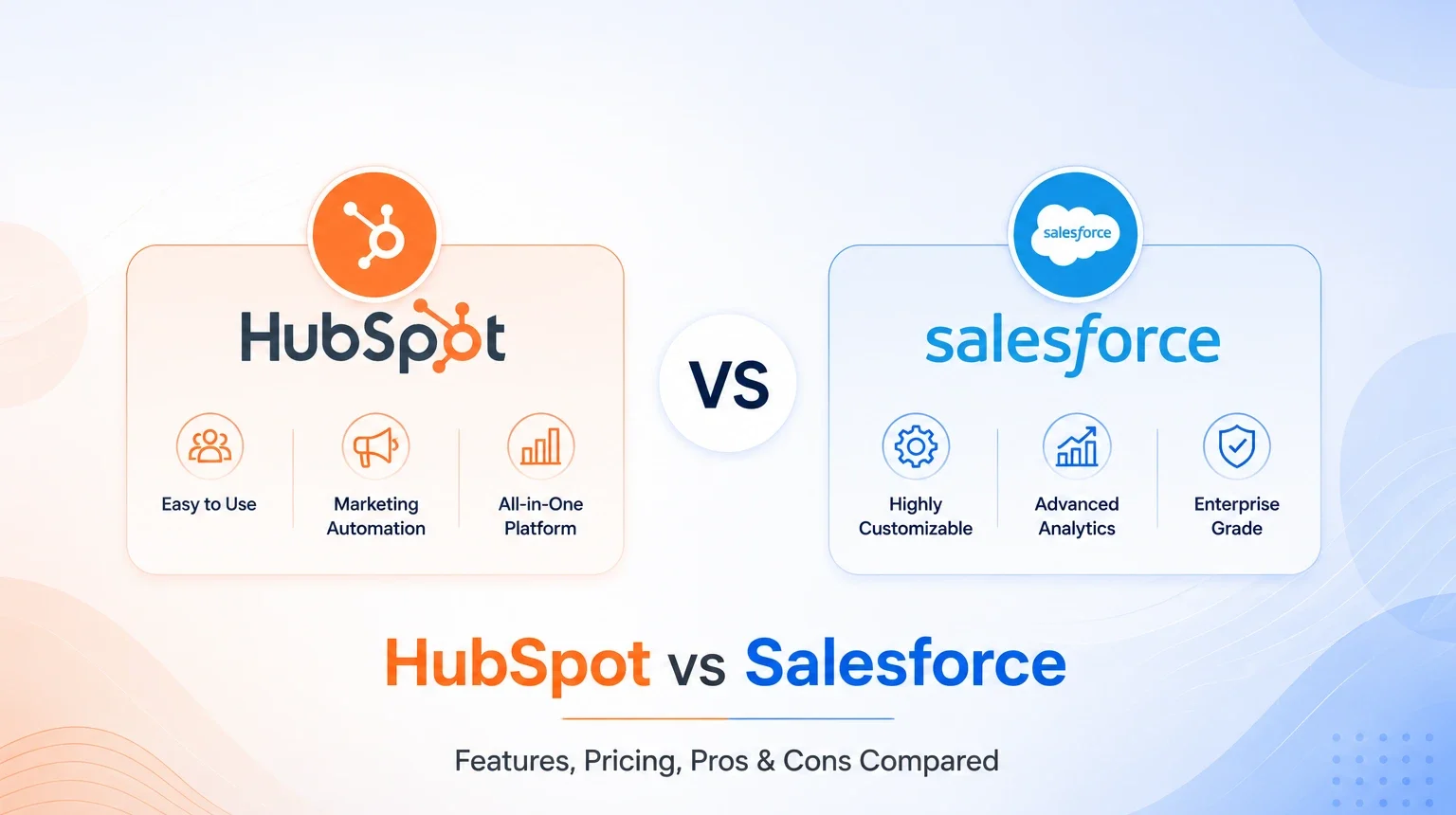
Selecting HubSpot or Salesforce had actually become harder, rather than an easier decision, in 2026. Both vendors shipped AI agents and restructured pricing, closing a lot of the old feature gaps. This HubSpot CRM versus Salesforce CRM guide reveals real 2026 price details, features, and a full-fledged HubSpot vs. Salesforce integration comparison to assist you in making a decision with current knowledge, not from old blog posts. For growing businesses wanting to decide between HubSpot and Salesforce CRM, the info below should be very helpful.
HubSpot vs Salesforce: Quick Comparison
| Factor | HubSpot | Salesforce |
| Best for | SMBs, marketing-led sales teams | Enterprises, complex sales processes |
| Starting price | Free, or $15–20/seat/month | $25/user/month |
| Setup time | Days to a couple of weeks | Weeks to several months |
| Customization | Moderate, no-code first | Deep, code-level |
| AI assistant | Breeze AI | Agentforce |
| App marketplace | 2,000+ apps | 6,000+ apps |
What is HubSpot CRM?
HubSpot is a CRM platform built around a free core CRM, wrapped by paid “Hubs” for Marketing, Sales, Service, Content, Operations, and Commerce. It gets a sales and marketing team running fast without a dedicated admin. Most small businesses seeking HubSpot Development services pick it for exactly this: usability over raw configurability.
What is Salesforce CRM?
Salesforce is a modular CRM ecosystem, Sales Cloud, Service Cloud, Marketing Cloud, and more , built for deep customization on its own, backed by a massive AgentExchange (formerly AppExchange) marketplace. That’s why most large enterprises turn to dedicated Salesforce Development Services instead of running it in-house.
HubSpot vs Salesforce: Feature Comparison
| Feature | HubSpot | Salesforce |
| Contact & Lead Management | Simple, visual, unified timeline | Powerful, highly customizable objects |
| Sales Automation | Sequences, deal pipelines, playbooks | Advanced workflows, territory & quote automation |
| Marketing Automation | Native, strong out of the box | Needs Marketing Cloud (separate product) |
| Customer Service | Service Hub , ticketing, live chat, knowledge base | Service Cloud , omnichannel, case management |
| Reporting & Analytics | Easy drag-and-drop dashboards | Deep, customizable reports (steeper learning curve) |
| AI Features | Breeze Copilot, Breeze Agents, Breeze Intelligence | Agentforce autonomous agents, Atlas Reasoning Engine |
| Integrations | 2,000+ apps, fast native setup | 6,000+ apps, deeper enterprise-grade connections |
HubSpot vs Salesforce Pricing
Pricing is where the two diverge most. Salesforce charges strictly per user, per month, billed annually. HubSpot mixes seat-based and contact-tier pricing, plus one-time onboarding fees on Professional and Enterprise plans.
| Tier | HubSpot (Sales/CRM) | Salesforce (Sales Cloud) |
| Free/Entry | Free (up to 5 users) | Not applicable |
| Starter | $15–20/seat/month | $25/user/month (Starter Suite) |
| Professional | $90–100/seat/month | $100/user/month (Pro Suite) |
| Enterprise | $150/seat/month + $3,000–$7,000 onboarding | $175/user/month (Enterprise) |
| Top-tier / AI | Marketing Hub Enterprise from $3,600/month | $350–$550/user/month (Unlimited, Agentforce 1) |
Figures verified against official pricing pages, July 2026. Confirm final numbers at checkout, since promotions and contact-tier add-ons shift the real bill.
HubSpot CRM vs Salesforce CRM: Ease of Use
HubSpot wins here without much debate. Its interface is built for marketers and reps, not admins, so most teams go live within days. Salesforce is more powerful once configured, but that power needs a real learning curve , most businesses need a certified admin or partner to set it up properly. If you’re implementing HubSpot yourself, our HubSpot CRM Implementation Guide walks through the process.
HubSpot vs Salesforce Integration Comparison
Salesforce’s AgentExchange lists 6,000+ third-party apps, covering everything from CPQ to industry-specific compliance tools , the deepest ecosystem in CRM. HubSpot’s App Marketplace is smaller at 2,000+ apps but covers the tools most SMBs actually use (Slack, Gmail, Shopify, QuickBooks, Zoom) with faster, no-code setup. Both also offer a native two-way HubSpot–Salesforce integration for teams running both.
HubSpot vs Salesforce for Growing Businesses
For a lean team scaling fast, HubSpot’s all-in-one model keeps sales, marketing, and service in one login without a big implementation budget. Once processes get complex , multiple business units, custom objects, strict compliance , Salesforce’s flexibility starts to pay off. Many growing companies start on HubSpot and migrate later, or run a tailored setup through Custom CRM Development services to bridge both worlds.
Pros and Cons of HubSpot
Pros: Fast setup, intuitive UI, strong free tier, marketing and sales in one place, free AI.
Cons: Contact-tier pricing gets expensive at scale, less deep customization, mandatory onboarding fees on higher plans.
Pros and Cons of Salesforce
Pros: Unmatched customization, huge app ecosystem, scales to any complexity, powerful AI agents (Agentforce).
Cons: Steep learning curve, higher total cost of ownership, needs skilled admins, longer implementation timelines.
HubSpot vs Salesforce: Side-by-Side Comparison
| HubSpot | Salesforce | |
| Ease of use | Simple, minimal training needed | Powerful, but needs admin support |
| Customization | Good for standard workflows | Deep, code-level customization |
| Pricing transparency | Clearer entry pricing, fewer surprises | Straightforward per-user pricing, but add-ons stack up |
| AI capability | Solid, included across every Hub | More advanced, built for complex automation |
| Scalability | Works well up to mid-market | Built to scale into large enterprises |
Why Choose TeamInIndia for CRM Development?
A CRM is only as good as its implementation. TeamInIndia works across all three , HubSpot Development, Salesforce Development Services, and Custom CRM Development for needs neither platform covers out of the box. We handle migration, integration, and ongoing support, so your CRM gets used instead of sitting half-configured.
Conclusion
HubSpot vs Salesforce is just one of many arguments over which sales platform to choose. There’s simply no one right answer because what works for one company will not work for another as each stage of a business and the level of complexity are unique to the company itself. HubSpot was originally designed for small and medium sized businesses and it still works perfectly for teams that have a clear goal to achieve and are not going to change their approach every now and then and would prefer a quicker and easier solution. Still, Salesforce is mainly targeted at the enterprises which need highly tailored solutions and will spend enough time and money to get it right in the beginning stages. This means you should choose your platform not based on your dreams of the future but on your present-day business reality.
FAQs
Is HubSpot cheaper than Salesforce?
At entry level, yes , HubSpot’s free CRM and $15–20/seat Starter plan undercut Salesforce’s $25/user Starter Suite. At enterprise level, costs converge.
Which CRM is easier to learn?
HubSpot. Its interface needs little training, while Salesforce typically needs admin expertise or a partner-led setup.
Can HubSpot and Salesforce work together?
Yes, via a native two-way integration that syncs contacts, deals, and activity between the two systems.
Which is better for small businesses?
HubSpot, in most cases , lower upfront cost, faster setup, and marketing tools built in from day one.
Does Salesforce have better AI than HubSpot?
Agentforce handles more complex, autonomous workflows at scale. Breeze AI is simpler but free across every HubSpot Hub, including the CRM tier.